


Two monitors, a tangle of cables, and a bezel running straight through the middle of your spreadsheet. There is a cleaner way to work, and it is one wide, beautiful screen.
An ultrawide monitor replaces a multi-monitor setup with a single uninterrupted canvas. No gap in the middle, one cable from the laptop, one stand on the desk. Writers get side-by-side documents, spreadsheet people get the whole grid, and video editors see the full timeline. If your work involves comparing or referencing more than one thing at once, an ultrawide pays for itself in attention.
Clutter is not just what you can touch. One screen, one cable, one calm desk.
One thing to measure before you fall in love: a 34-inch ultrawide wants at least 24 inches of desk depth, and a 49-inch super-ultrawide wants 28 to 30, or it will feel like sitting in the front row of a cinema. Curved panels wrap the edges toward you and make large screens comfortable closer up.
The screens
1. Dell UltraSharp U4025QW, 40-inch 5K2K

Where to find it: Dell
The productivity flagship: 40 inches, 5120 x 2160 resolution, and a Thunderbolt hub built in, so one cable carries video, data, and laptop charging. If you do serious work and want one screen to rule the desk, start here.
$2,399.99
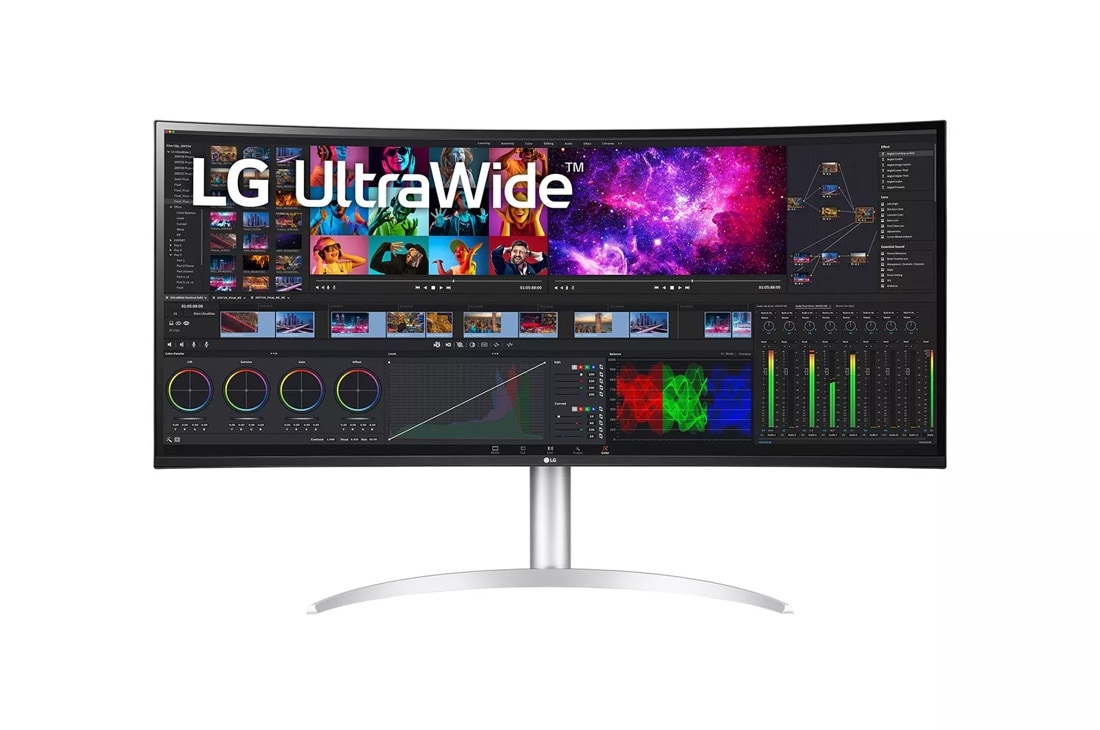
2. LG UltraWide 40WP95C-W, 40-inch 5K2K
Where to find it: LG
LG's answer to the 40-inch productivity crown, with a gorgeous Nano IPS panel and the same one-cable Thunderbolt simplicity. Slightly friendlier on price than the Dell, with color accuracy that designers trust.
$1,799.99
3. Samsung Odyssey OLED G9, 49-inch

Where to find it: Samsung
The showpiece: a 49-inch curved OLED that is equal parts work command center and evening cinema. OLED blacks make everything from spreadsheets to films look expensive. Overkill for email; perfect for people who live at their desk.
$1,899.99
4. Alienware AW3425DW, 34-inch QD-OLED

Where to find it: Dell (replaces discontinued AW3423DWF with the current-gen successor)
Quantum-dot OLED in a 34-inch curve: inky blacks, instant response, and color that makes creative work sing. Marketed to gamers, but designers and video editors have quietly adopted it as a color-accurate workhorse.
$749.99
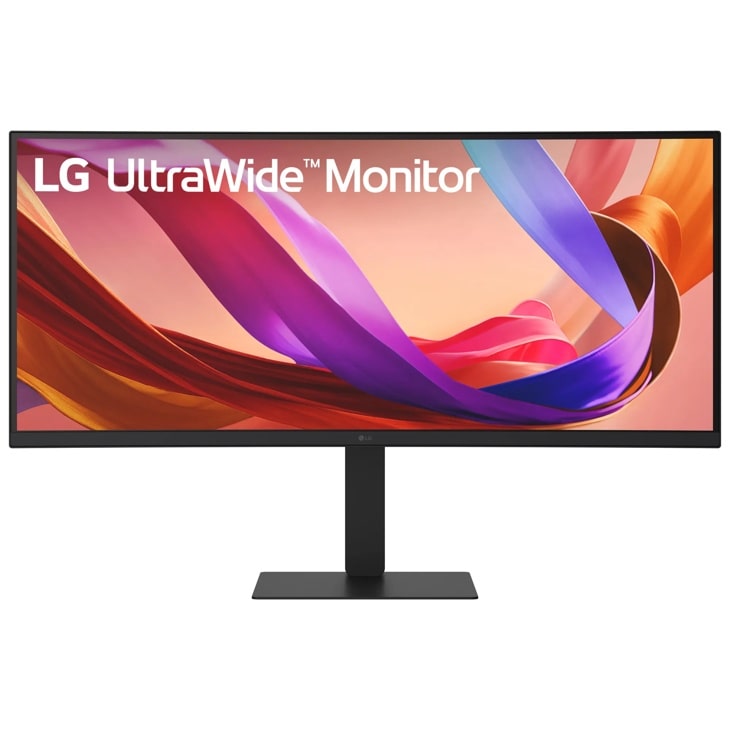
5. LG 34U650A-B, 34-inch UltraWide
Where to find it: LG (replaces discontinued LG 34WN80C-B with the current 34-inch successor)
The sensible classic. WQHD IPS panel, USB-C with 96W power delivery, a built-in KVM switch, and a price that makes it the default recommendation for a first ultrawide. It does everything well and nothing theatrically.
$399.99
6. Samsung Odyssey G9 QLED, 49-inch

Where to find it: Samsung
The original super-ultrawide: 49 inches of deep curve, the equivalent of two 27-inch monitors with no seam. For traders, dispatchers, and anyone who monitors many feeds at once, it is less a monitor than a mission control.
$1,299.99
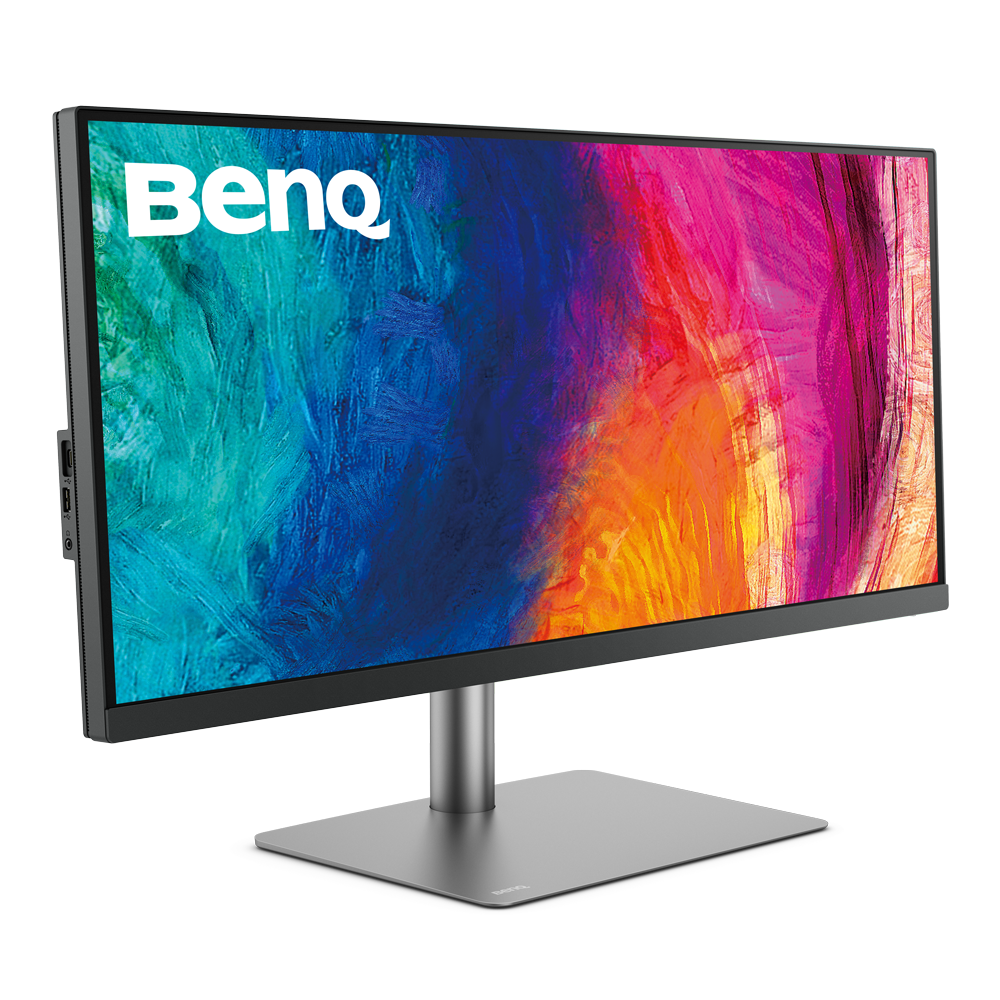
7. BenQ PD3420Q DesignVue, 34-inch
Where to find it: BenQ
Built for designers: factory-calibrated color, a dedicated CAD/CAM mode, and BenQ's eye-care tech for long sessions. The aesthetic is understated and professional, which matters when the screen dominates your desk.
$799.99
8. ASUS ProArt Display PA34VCNV, 34-inch

Where to find it: ASUS (replaces discontinued ASUS PA348CGV with its current ProArt successor)
Another creator-first panel with verified color accuracy and a clean, minimal chassis. The ProArt line is the quiet professional's choice: no gamer styling, just a beautiful, honest screen.
$599.00
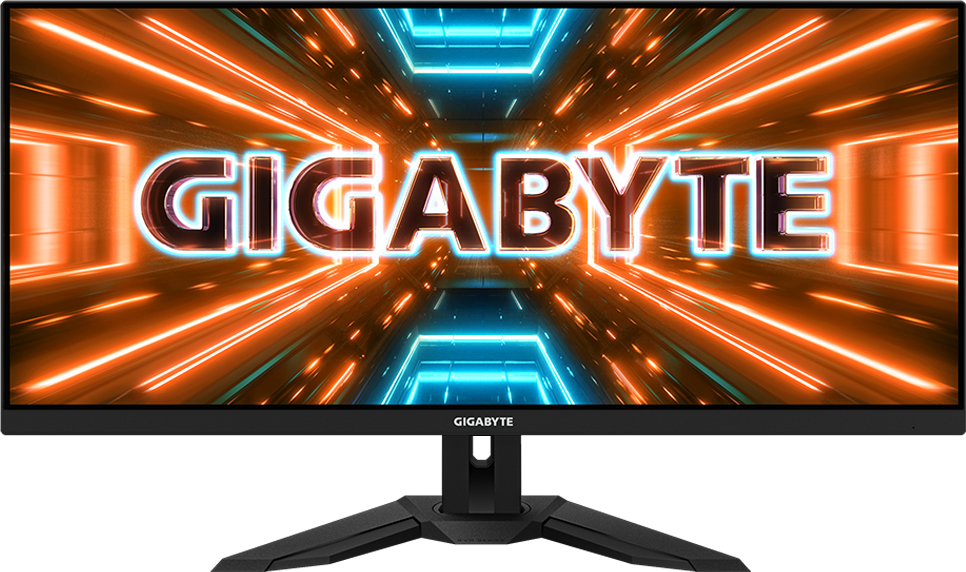
9. Gigabyte M34WQ, 34-inch
Where to find it: Gigabyte
The value play that does not feel like a compromise: flat IPS panel, KVM switch built in (one keyboard and mouse for two computers), and USB-C. Ideal for the work-laptop-plus-personal-machine household.
10. LG 49WL95C-WY, 49-inch Dual QHD
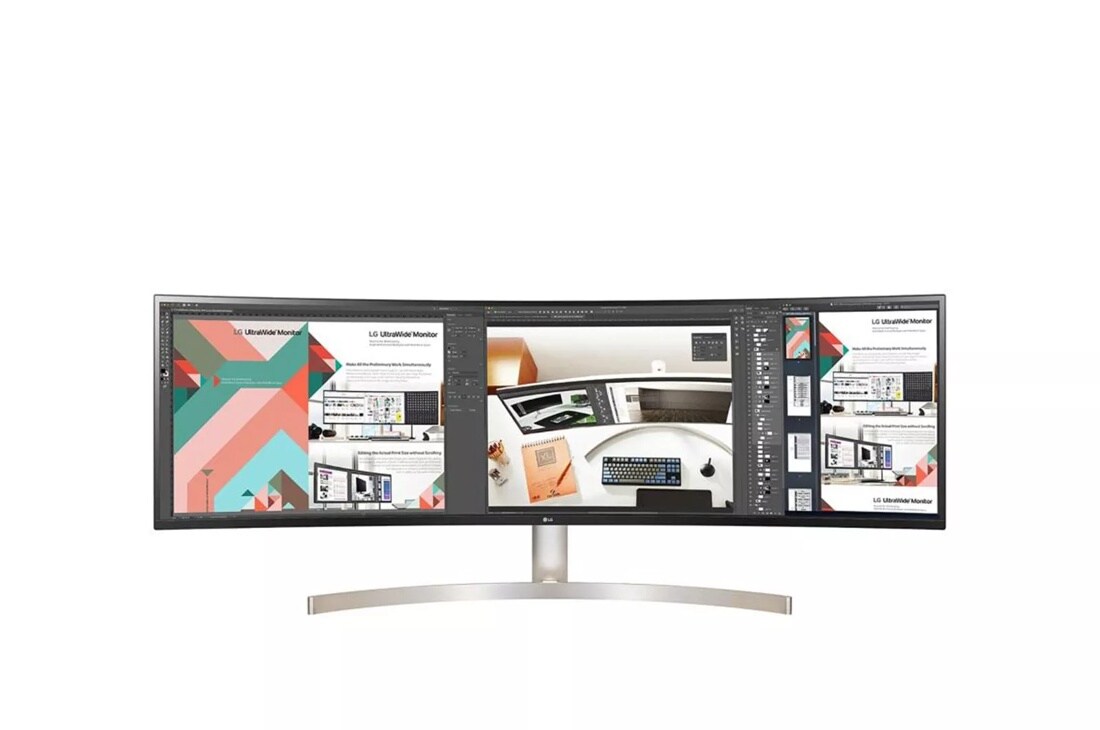
Where to find it: LG (replaces discontinued LG 49WL95C-W with the current 49-inch Dual QHD listing)
A gentler 49-inch: Dual QHD resolution on a subtle curve, with the professional styling of LG's business line. All the width for the spreadsheet maximalists, without the aggressive gamer curve of the Odyssey.
$799.99
Shop the setup
Monitors are a utility purchase, so selection, reviews, and return policy do the heavy lifting. Start at our Amazon storefront, and pair any of these screens with a monitor arm to reclaim your desk surface.
This post contains affiliate links. If you purchase through these links, we may earn a commission at no extra cost to you. We only recommend products we genuinely believe in, and editorial always comes first.